
CPU A
- Improved Performance on Device Diagnostics test
- Improved High level Precision Tracking
- Improved Fixed Major Issues on fallout of CPU/GPU Detection Accuracy and false readings(CPU detection should work flawlessly in mapped devices)
- Improved Support on Older Devices
- Settings and references are automatically backed up and restored upon download on an existing or new device
- UI Polish & System Stability Optimizations
- Fixed Major Bugs
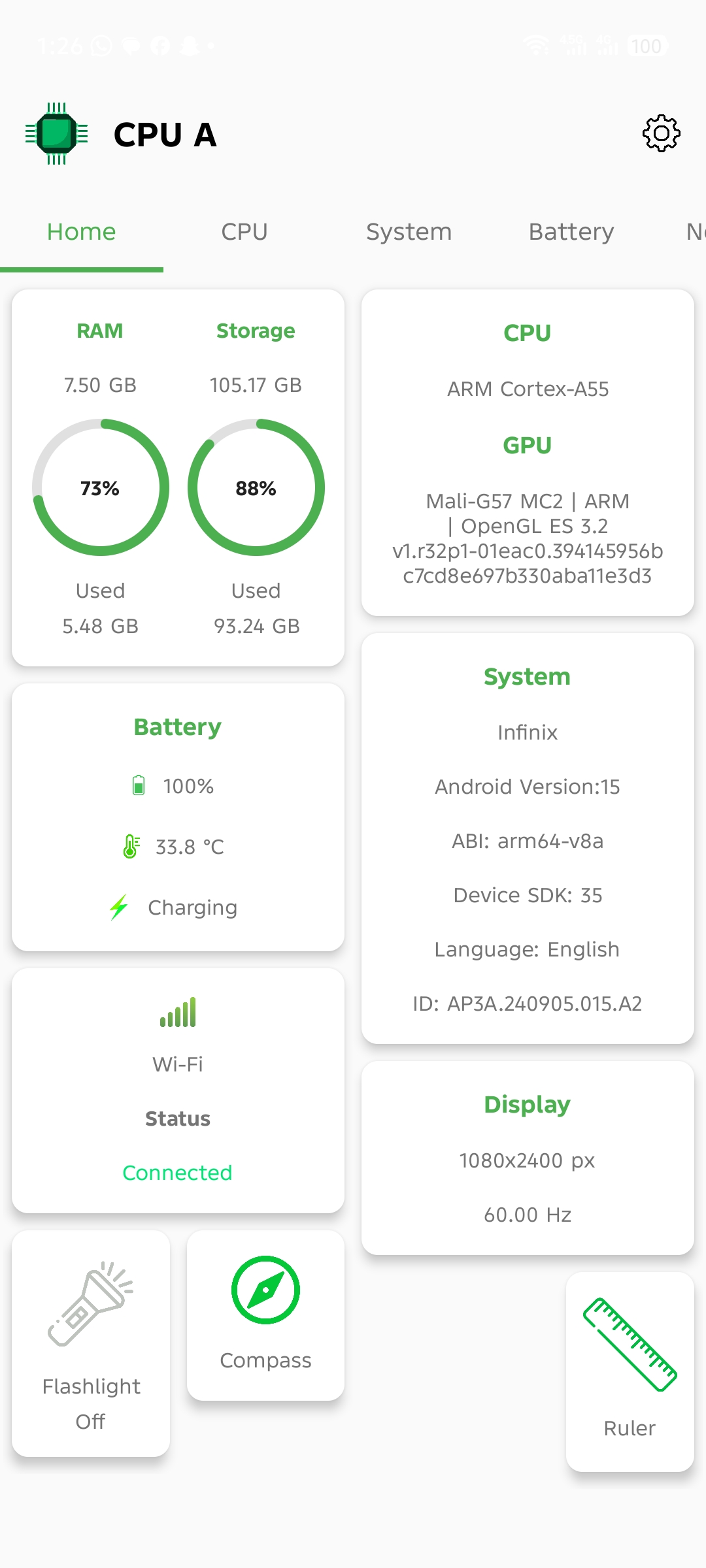
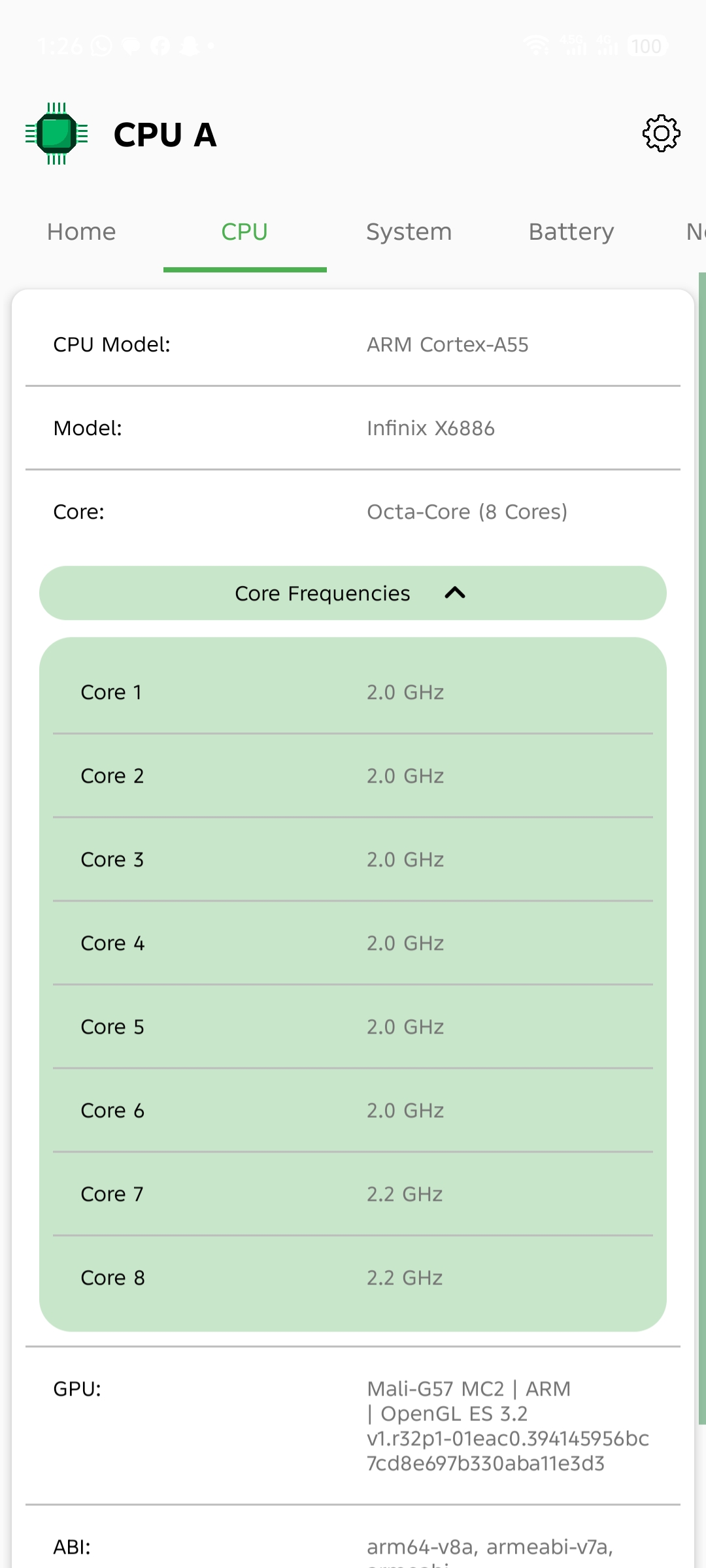
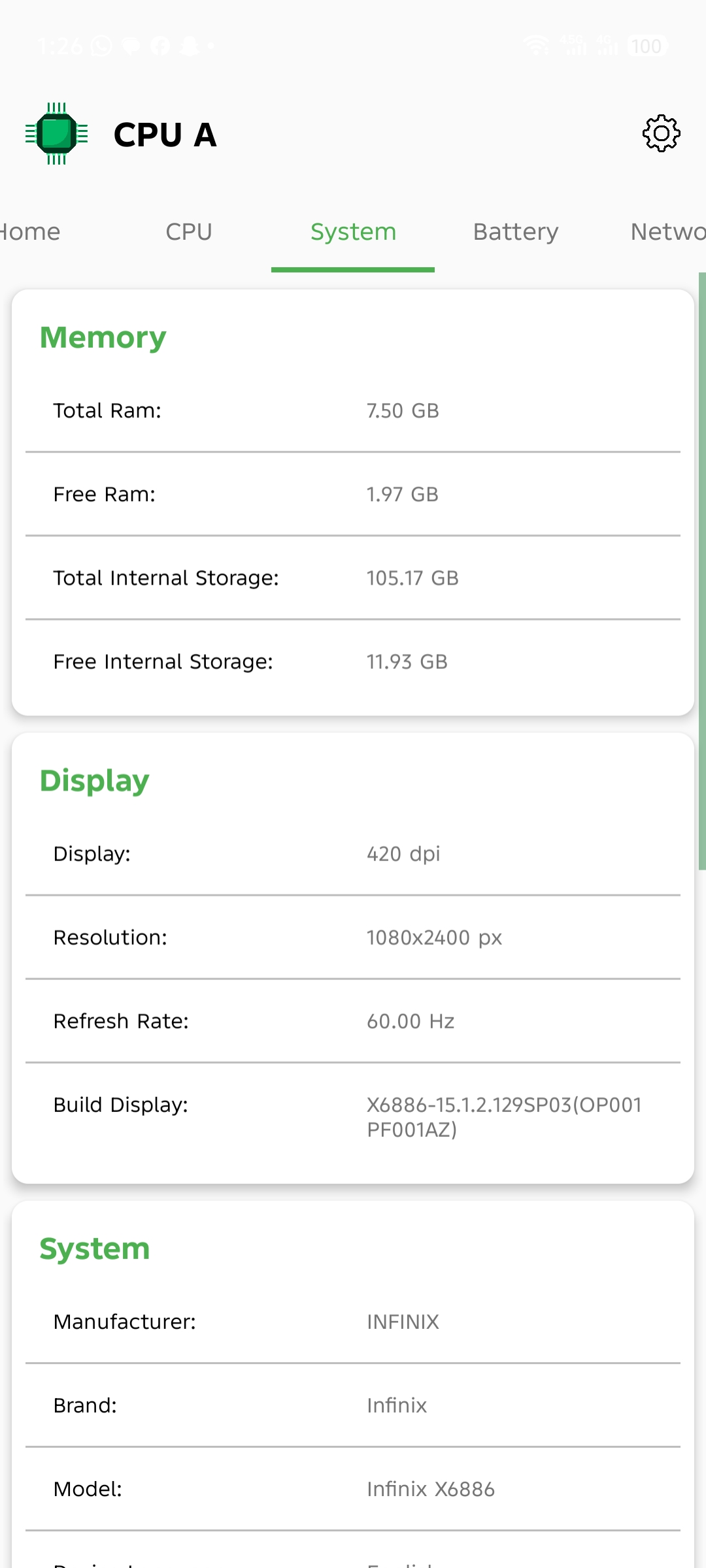
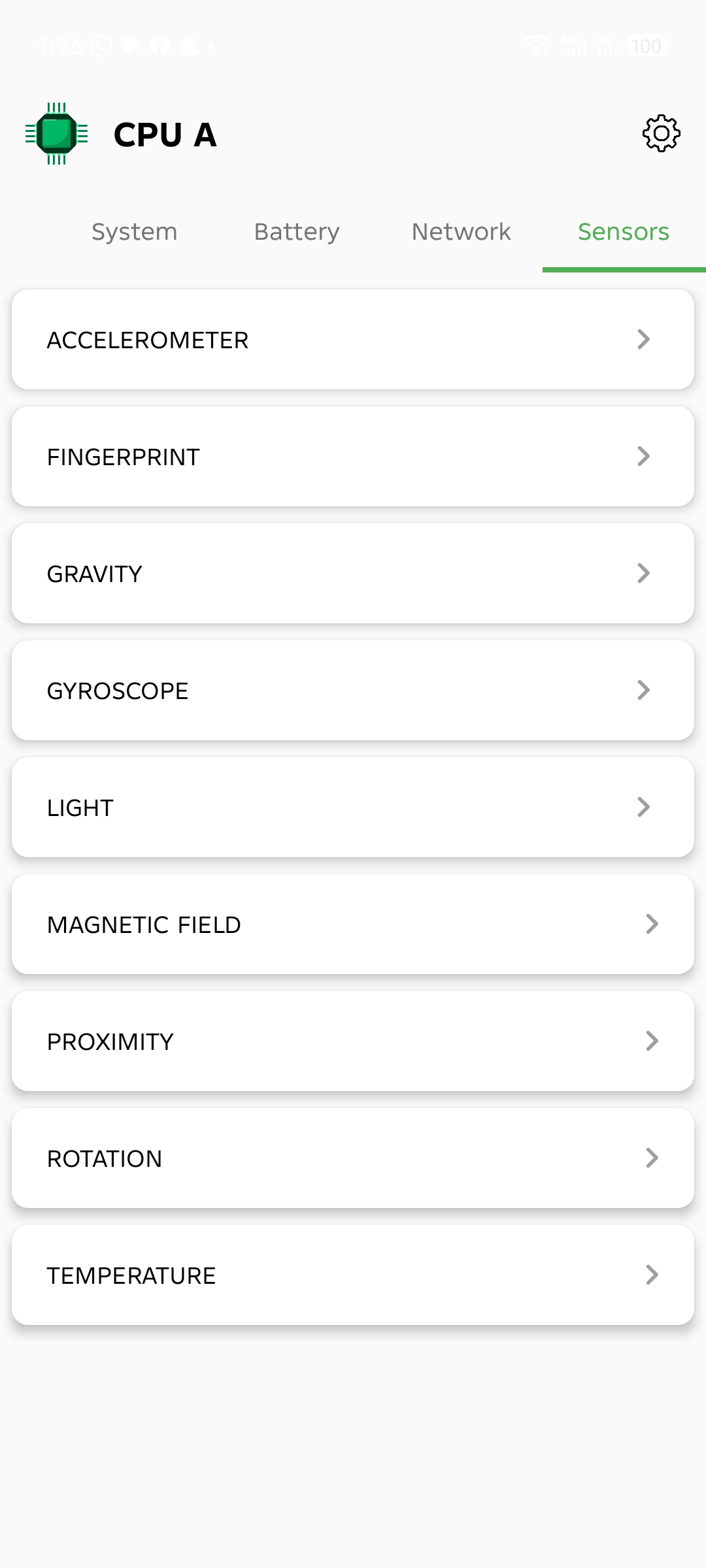

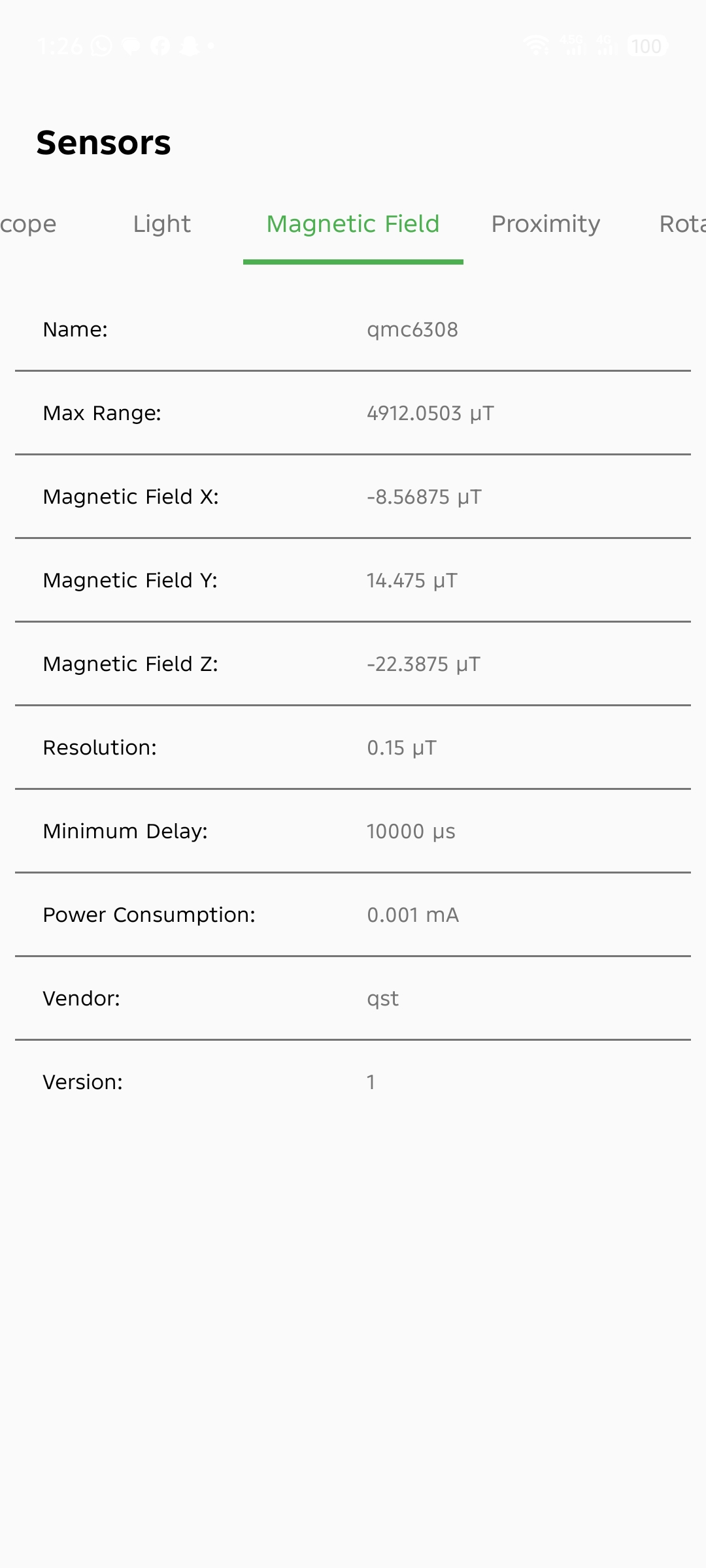
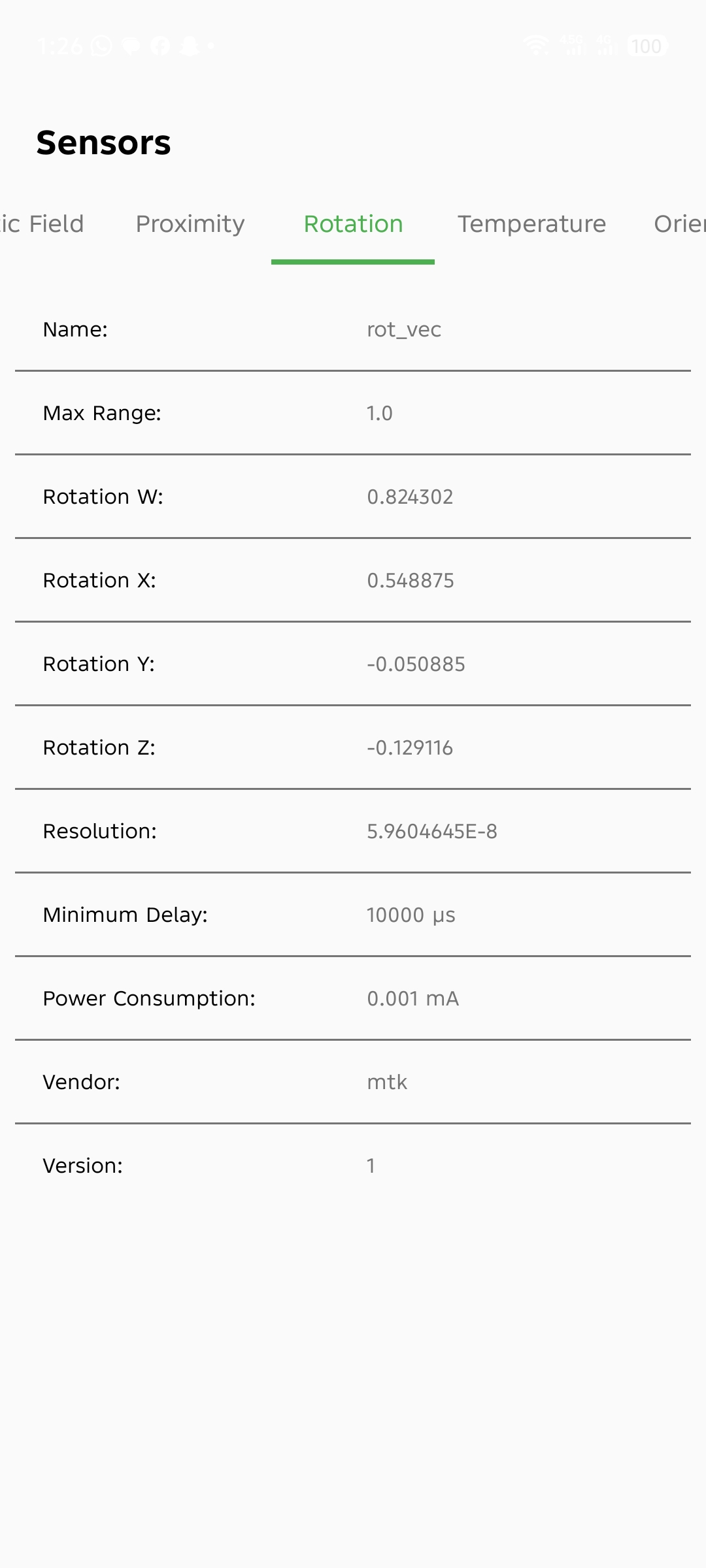

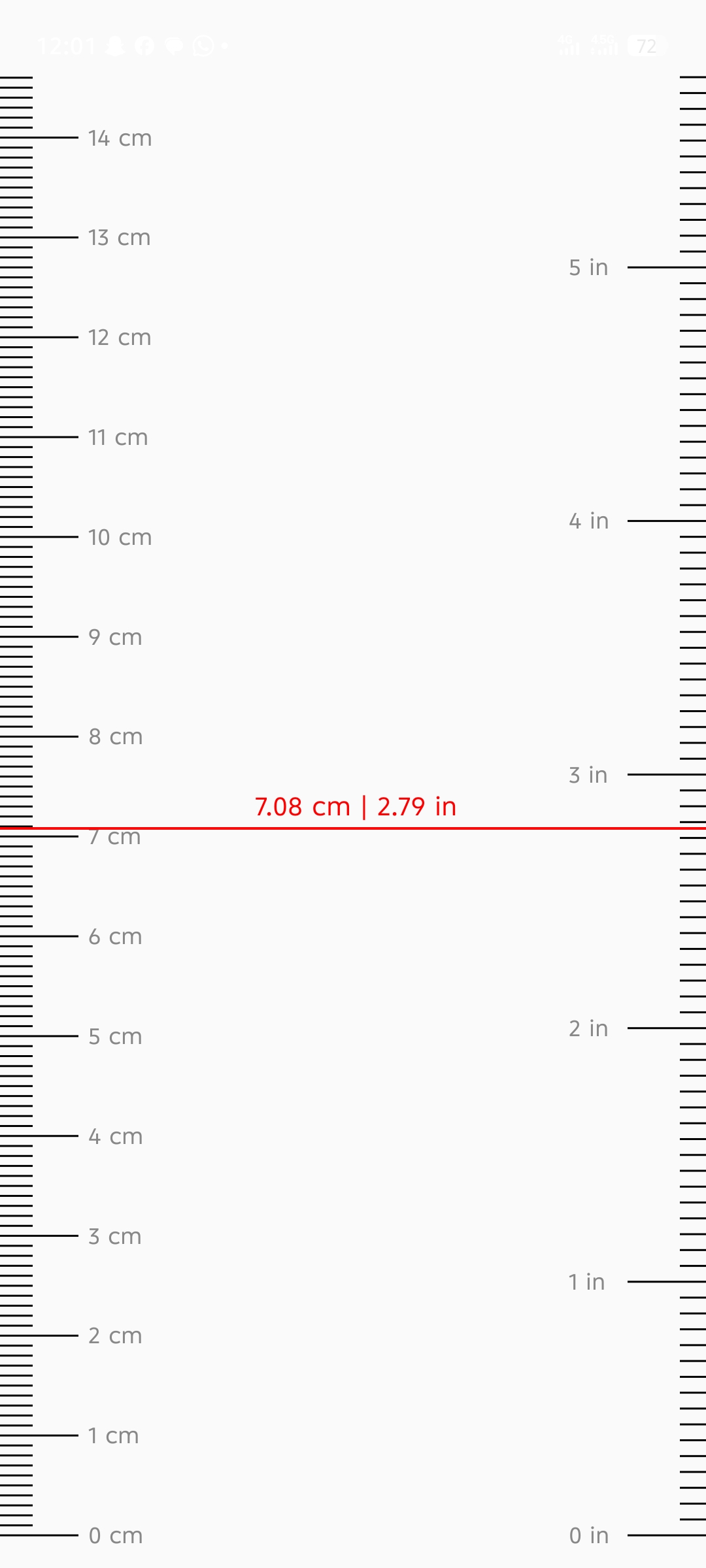
CPU A provides deep, real-time insights into your Android device. Check your hardware version, RAM usage, model numbers, and internal storage at a glance. Built with performance in mind, it's the perfect tool for monitoring your system's health and specifications.
🔍 Core Features
🧠 CPU & GPU Information
Access in-depth processor and graphics details, including:
- CPU architecture and core layout
- Supported clock frequencies
- GPU model and rendering information
📱 Device Overview
View essential hardware and system data at a glance:
- Device model and manufacturer
- RAM and internal storage details
- Display resolution and screen density
- Supported hardware features
⚙️ System & Build Information
Get a complete view of your system configuration:
- Android version and SDK level
- Security patch status
- Build number and device fingerprint
♻️ Optimized Performance
CPU A is designed to be lightweight, responsive, and efficient—delivering accurate information without unnecessary overhead.
🚀 Continuous Improvements & Enhancements
CPU A is actively evolving, with ongoing updates focused on performance optimization, expanded hardware analysis, and improved usability.
Planned enhancements include:
- Real-time CPU frequency monitoring
- Advanced battery health and charging insights
- Temperature and sensor data tracking
- Deeper hardware diagnostics and system details
- UI refinements and performance optimizations
Our goal is to deliver one of the most dependable and feature-rich device information tools available on Android.
🙌 Feedback & Support
Your feedback plays an important role in shaping CPU A’s future. If you encounter any issues, have suggestions, or would like to request features, please leave a review or contact us directly.
⭐ Thank You for Using CPU A
We appreciate your trust in CPU A. Expect consistent updates, enhanced performance, and powerful new features in upcoming releases.
Experience CPU A Today
Download directly from the Google Play Store and unlock your device secrets.
